

A free VPN client to surf the internet anonymously.
⭐
4.5
124
reviews
14121
downloads
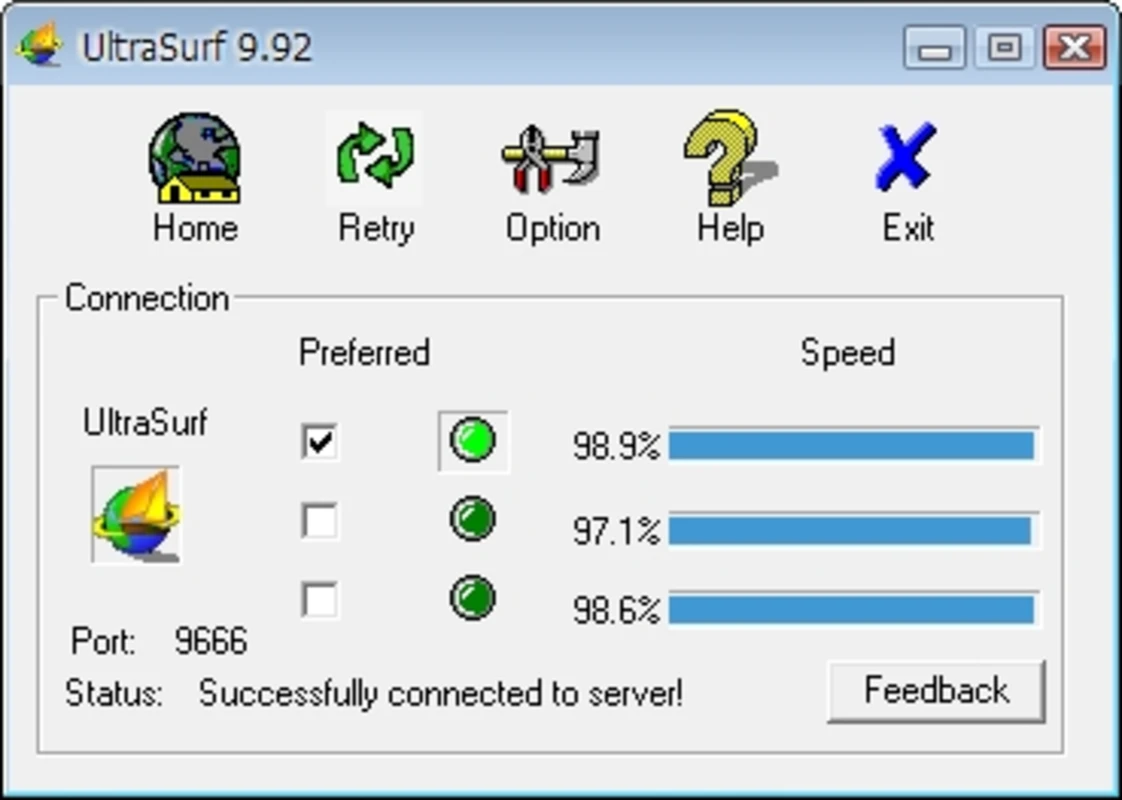
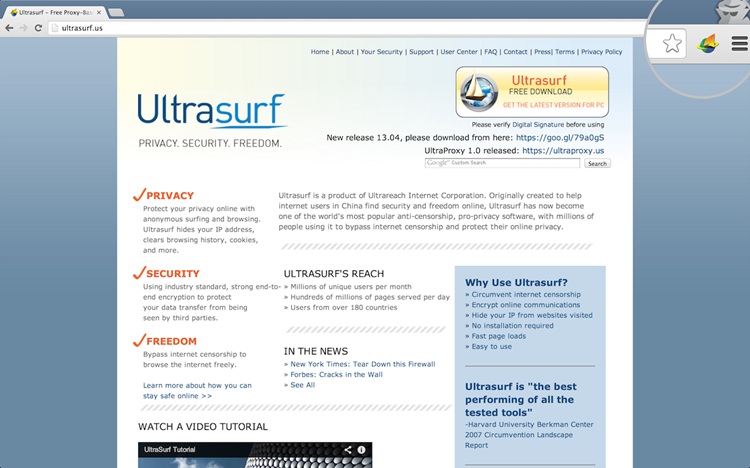
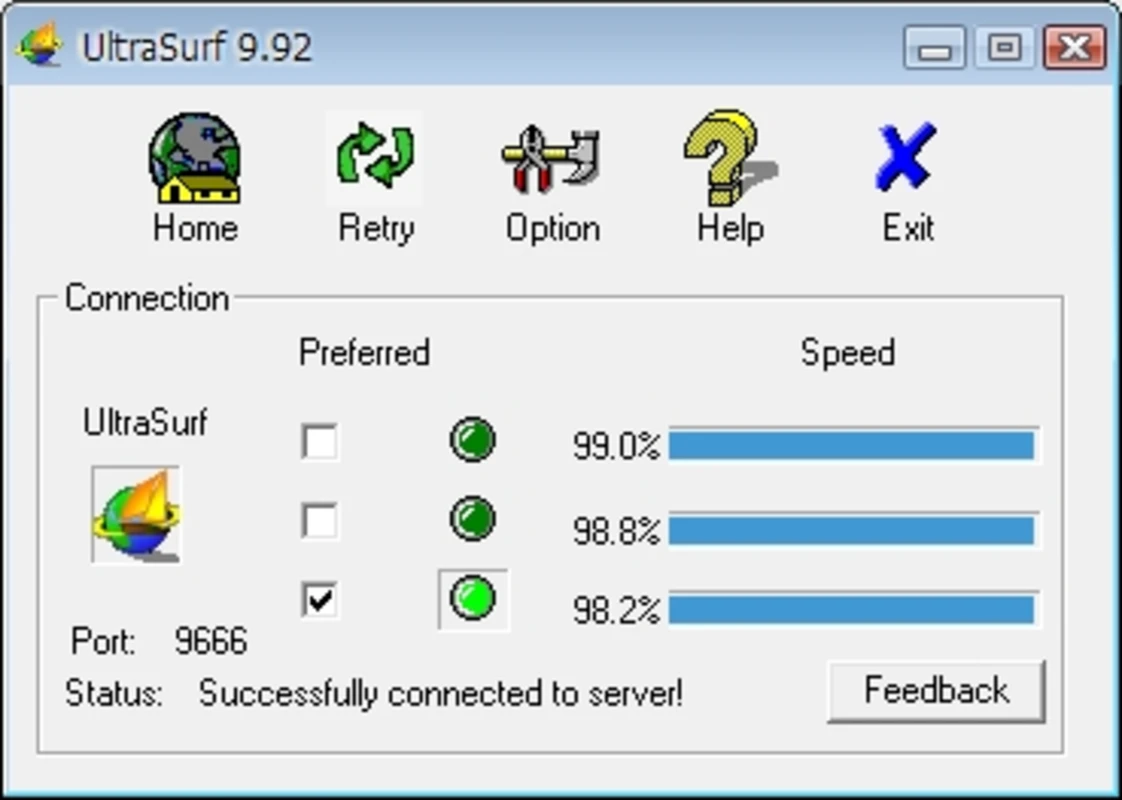
A fast and free VPN proxy, with no trials, no registrations, no logins, no bandwidth limitations, and no logs. UltraSurf is a really useful tool that allows the user to surf privately without leaving any traces.
UltraSurft is a portable free VPN tool that is optimized to work on Internet Explorer, however, it also works well with other browsers like Google Chrome or Mozilla Firefox. UltraSruf is also available for Android and macOS. You can also download UltraSurf for Chrome as an extension.
UltraSurf For Windows 10 PC 2025 Review
Sometimes website access is blocked due to government policy or regional restrictions. UltraSurf was developed for Chinese users to help them enjoy internet freedom. This tool hides your IP and even protects it on public WiFi networks. This tool encrypts your communication and protects your internet privacy and security.
It is the best VPN service that connects your traffic via their secure and encrypted TLS tunnel. TLS is widely used by almost all web traffic, so 3rd party can’t tell a user is using Ultrasurf VPN, it looks indistinguishable from secure web traffic.
Ultrasurf VPN is a fantastic tool that does more than you might expect from such a small file. It is a tool that could really be helpful in specific situations and the fact that it is small, light, free, and portable makes it almost a no-brainer to keep a copy around for those times when you need it.
UltraSurf not only tested impressively for a free service but rivaled some of the best-paid services out there. In fact, there was barely any speed reduction at all. This product generally has a good reputation for performance and, in our testing, it lived up to that reputation.
What is UltraSurf?
Over time this tool has become the world’s most popular free VPN software for Windows. It’s an anti-censorship, pro-privacy software, with millions of people using it to bypass internet censorship and protect their online privacy. You can also download UltraSurf for Windows, Android, and macOS.
How To Use UltraSurf?
To use this free portable VPN tool is very easy all you need is to download it on your PC. UltraSurf is a free portable VPN software that you don’t need installation.
Just double-click on the exe file and access blocked websites without any worry of censorship.
How To Block UltraSurf Sonicwall?
- On the App Control Advanced page, select Category as PROXY-ACCESS
- Select Ultrasurf under Application
- Click on the configure button to bring up the Edit App Control App window.
- Select Enable under Block and Log.
- Click on OK to save.
Why UltraSurf Is So Slowly for Torrenting and Streaming?
When it comes to torrenting or streaming, this VPN software isn’t the best. Netflix users will face issues while streaming. Sometimes it works, other times it doesn’t.
Proxies and VPNs tend to route your request through several servers, which increases your lag. The more requests that are required, the higher the lag will be. As an alternate, you can use Hola VPN, BitVPN, and Shuttle VPN.
How To Enable UltraSurf In Chrome
You need to change browser settings to use Ultra surf in Chrome, follow these steps:
- Open Chrome
- Go to “Settings”
- Select “Advanced Settings”
- Locate “Network”
- Click “Change proxy settings”
- Go to “Connections”
- Open “LAN settings”
- Uncheck “Automatically detect settings”
- Check “Use a proxy server for your LAN”
- Type in the Ultrasurf proxy server address and port
- Click “Ok” then “Apply”
How To Install UltraSurf VPN On Kodi?
Even though UltraSurf VPN didn’t work with Kodi, still here are the steps to install VPN on Kodi:
- Download UltraSurf Free Proxy
- Open Ultra Surf and connect to its server or proxy
- Once connected, open Kodi
- Click on the Add-ons menu
- Scroll down to select ‘Download’
- Now click on Program Add-ons from the list
- Find and click on DNS Leak Test
- Press Install
- Click OK
- Now Open DNS Leak Test Addon
- The DNS is leaking because it is showing my original IP address
Is It Safe To Use UltraSurf?
Yes, this VPN is safe to use. This tool works by tunneling your entire traffic through their secure and encrypted TLS tunnel.
On Android, it essentially works like any other VPN application and secures you by hiding your real IP address and giving you a new one.
How To Update UltraSurf on PC?
Currently, free VPN 21.32 is the latest version for Windows PC. You can download it from here by clicking on the download button.
The developer has stopped extending support and till now no new update is released. Its last version is fully updated and compatible with all Windows operating systems.
UltraSurf VPN Latest Version 21.32 Update
Updated Android version to 2.3.0
- Support Google Chrome Browser and Internet Explore
- Add support for SOCKS proxy
- Add UltraShare feature to allow share UltraSurf connections with other computer or mobile devices.
Additional Information

License
Free

Version
21.32

Update
March 13, 2025

Size
3.2 MB

Requires
Windows 11, 10, 7 (32/64-bit PC)

Developer

Downloads
14121