Official ISO image of Win8.1 update files for 32/64-bit OS version.
⭐
4.5
440
reviews
54121
downloads
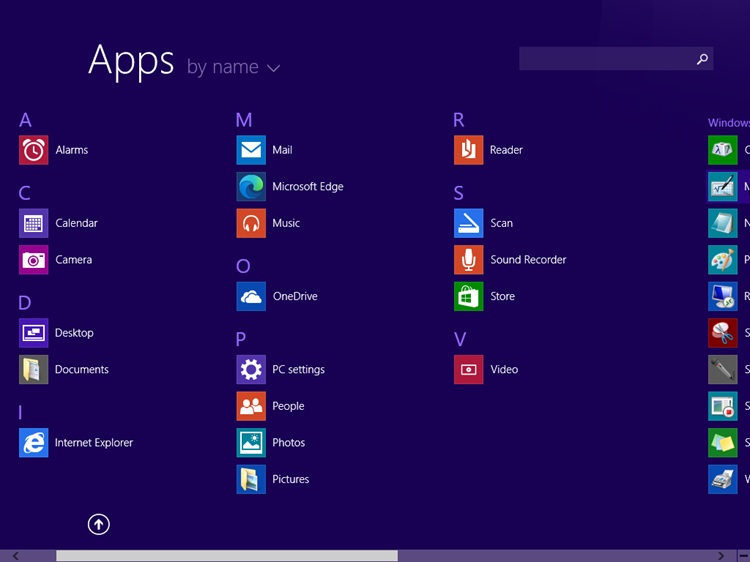
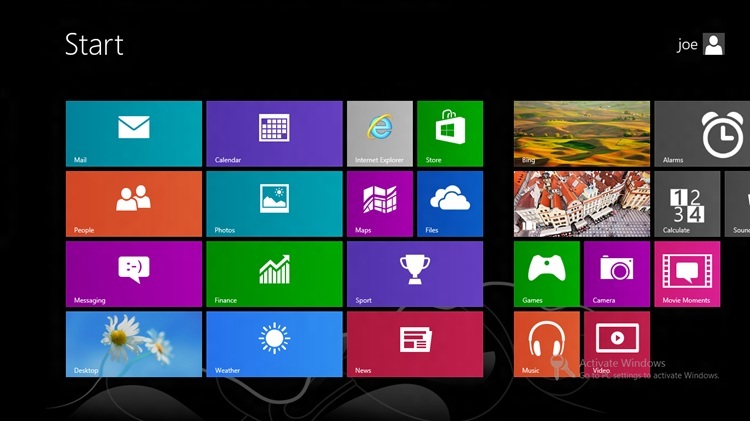
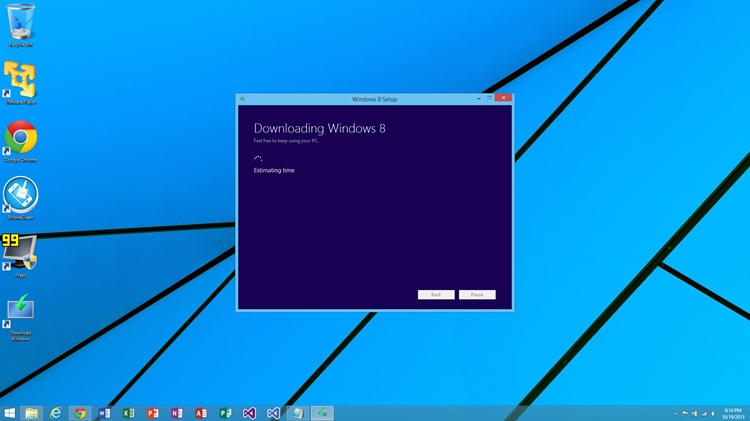
Download Windows 8.1 Update ISO for 32-bit and 64-bit systems, The Official direct link is now available on Softlay. Install Windows 8.1 full version without going to the Windows Store or upgrading to Windows 8. Original Windows 8.1 ISO images downloaded from Official Microsoft Links.
Official Windows 8.1 Update
The new Windows 8.1 Update did a very good job of satisfying Windows OS lovers. It brings back all the missing features along with new enhancements to Windows 8.
The Final Version of Microsoft Windows 8.1 is now available on Softlay. Windows 8 users can free upgrade to Windows 8.1 full version without going to the Windows Store.
More at: What’s new in Windows 8.1 Update?
Related: How To Download Windows 10
How To Install Windows 8.1 Official ISO
After you successfully download the Windows 8.1 free ISO file. Save it on your PC. Follow this tutorial which tells How to install Windows 8.1 via USB Drive. The steps to install Windows 8.1 are simple and easy. Comment here if you face any issues during the Windows 8.1 ISO download or installation.
Operating System Requirements
- Processor: 1 GHz or faster
- Memory: 2 GB
- Hard disk space: 20 GB available
- Video card: 1366 × 768 screen resolution; DirectX 9 graphics processor with WDDM driver
- Connectivity: Internet access (fees may apply)
Microsoft account is required for some features. Watching DVDs requires separate playback software.
Windows 8.1 Latest Version 6.3.9600 Update
Updated ISO to version 8.1 (6.3.9600) - Update for Windows 8
Download Windows 8.1 Old Versions
| Version | Size | Requirements | Date |
|---|---|---|---|
| 6.3.9600 | 2.45 - 3.33 GB | Win8 Compatible PC | 08/04/2014 |
Additional Information

License
Free

Version
6.3.9600

Update
April 8, 2014

Size
2.45 - 3.33 GB

Requires
Win8 Compatible PC

Developer

Downloads
54121