
Simple All in One Video Converter.
⭐
4.5
121
reviews
5412
downloads
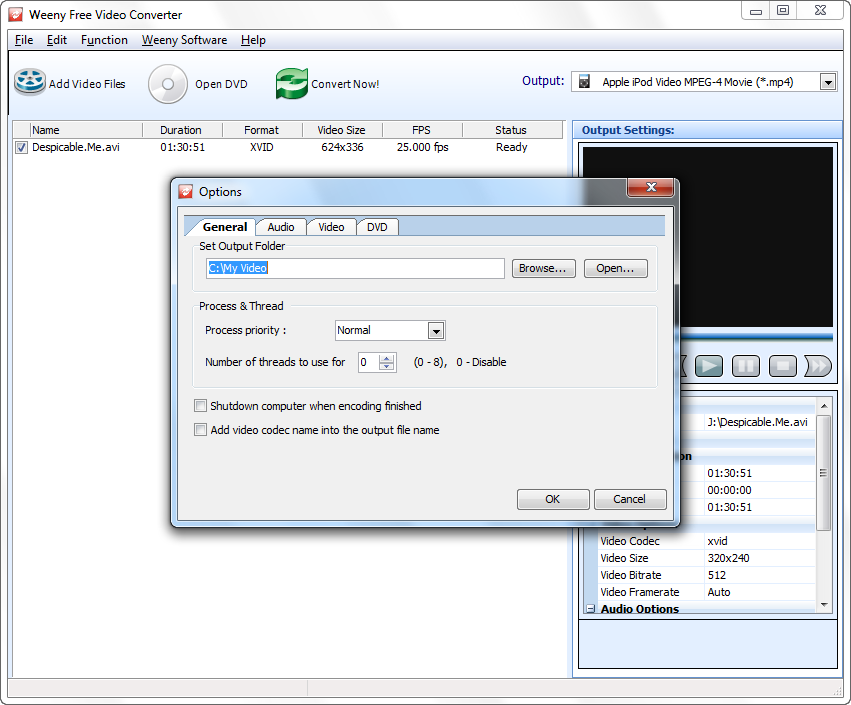
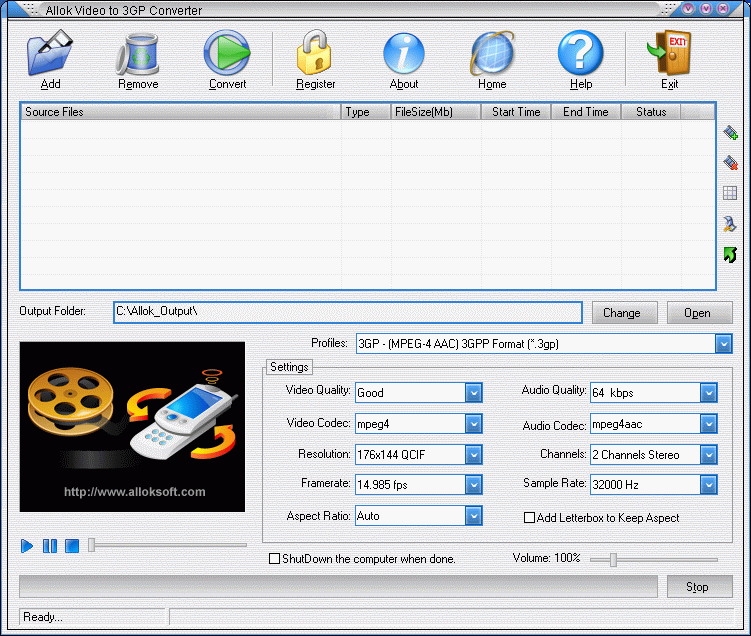
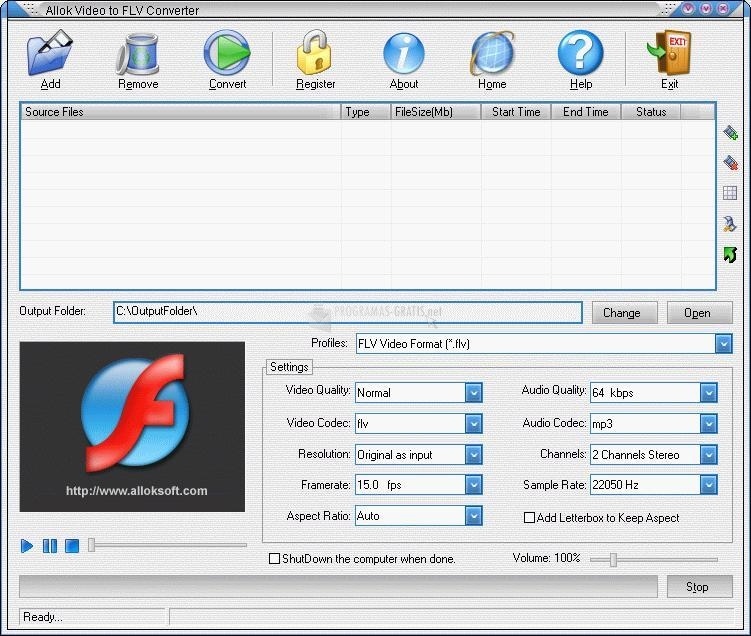
If you are looking for an all-in-one but simple video converter then Allok Video Converter for Windows is for you.
This is a powerful video conversion tool that supports a wide range of video formats including MP4, MPEG, AVI, H264, FLV, and many more.
Download Allok Video Converter 4.6.12.17 free for 32/64-bit Windows PC. Here you will get an offline installer download with one click from our fast downloading server.
The interface is very cool with a lot of options include an array of per-configurations that make video conversion very simple.
This application converts videos file very fast and provide you with a high-quality result. The free version of this tool provides you limited functionality and free technical support but in the pro version, you will get lifetime technical support with 30 days money-back guarantee.
You can personalize your video by cropping, trimming, color adjusting, and applying visual effects also can convert video to major Web formats.
Features
- Supports AVI, Divx, XviD, MPEG, WMV, ASF, RM, RMVB, MOV, MP4, 3GP, FLV, MKV, MOD.
- Supports all video files to AVI, DivX, Xvid.
- Supports all video files to MPEG1, MPEG2.
- Supports all video files to VCD,SVCD,DVD compatible MPEG formats.
- Supports all video files to VCD SVCD image(*.BIN,*.CUE) and DVD-Video files(*.IFO,*.VOB,*.BUP).
- Supports all video files to WMV, ASF.
- Supports all video files to MP4, H264, 3GP, 3G2.
- Supports all video files to iPod, iPhone, Apple TV, PSP, PS3, Xbox, Archos, iRiver etc.
- All encoders/codec are built-in and any supported conversion can be done once you downloading the software.
- Batch files conversion.
- Cut unwanted parts by specifing start time and end time.
- Support “Drag and Drop” from Windows Explorer.
- Custom define the output audio volume.
- Add letterbox to keep the original aspect ratio.
- Support large video file, even large then 2GB.
- Fast conversion speeds and high quality.
- Simple GUI and very EASY to use.
- Lifetime FREE Technical Support and FREE upgrade. Free trial download. 30 day money back guarantee.
Additional Information

License
Free

Version
4.6.1217

Update
Dec 17, 2014

Size
8.5 MB

Requires
Windows 11, 10, 8, 7, Vista, XP

Developer

Downloads
5412