
BSL Shaders allows you to customize and optimize your gameplay.
⭐
4.5
65
reviews
5415
downloads
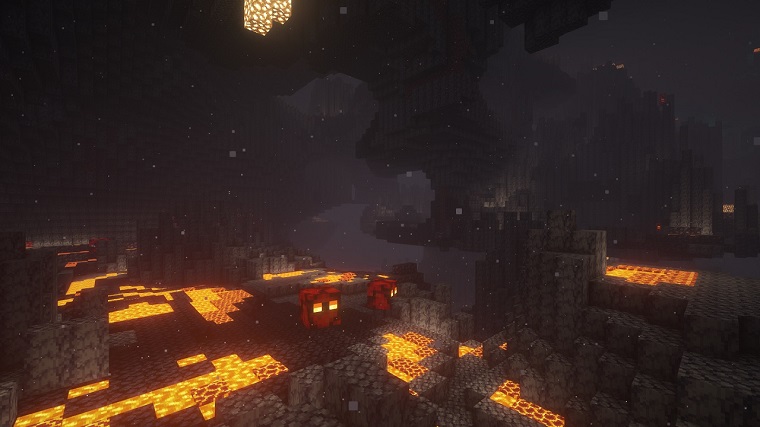
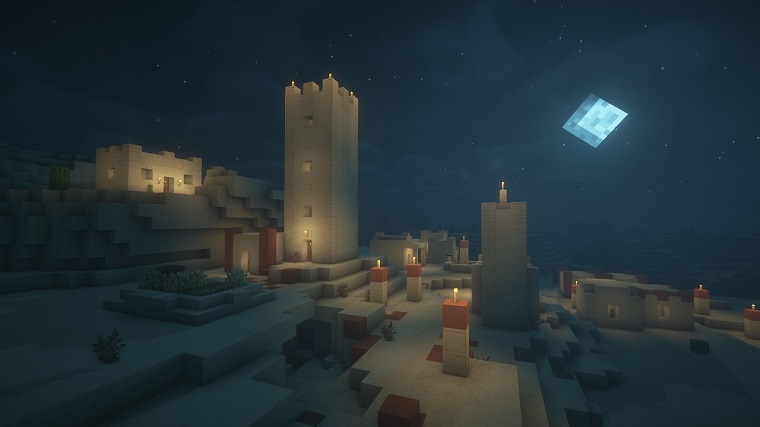
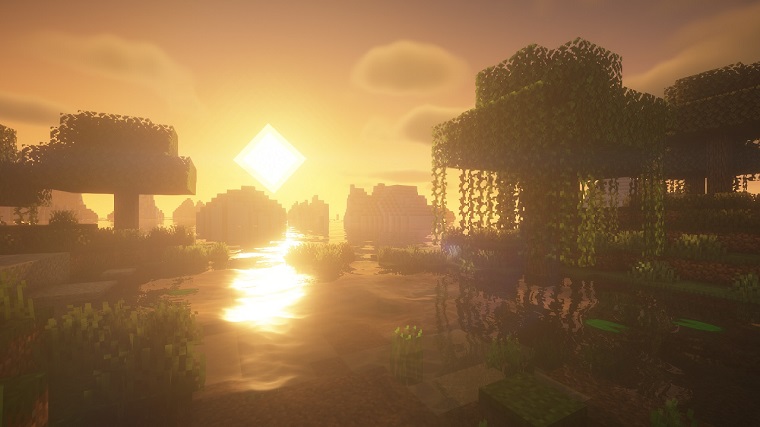
BSL Shaders 1.16.5 by Capttatsu is one of the most customizable and optimized shader packs supported by Minecraft Java Edition. It adds new features like real-time shadows, volumetric light, ambient occlusion, bloom, customizable clouds, and water, and built-in anti-aliasing. Some additional effects like depth of field, motion blur, specular and normal mapping, cel-shading, world curvature, and more are also available.
BSL Shaders is completely free to download and install in all famous versions of Minecraft Java Edition (1.20.2, 1.20.1, 1.20, 1.19.4, 1.19.3, 1.19.2, 1.19.1, 1.19, 1.18.2, 1.18, 1.16.5, 1.12.2, etc.). BSL Shaders also supports both Iris Shaders and OptiFine, which means you can use either of these mods to load BSL Shaders into Minecraft.
BSL Shaders Requirements
Take a look at BSL Shaders 1.16.5 System Requirements before you download and try it out.
How to Download & Install BSL Shaders
Here’s a short guide on how to download, install, and then add BSL Shaders to Minecraft Java Edition.
Step 1: Download the latest version of BSL Shaders from the top of this page.
Step 2: Move the shader pack’s zip file to the “shaderpacks” folder inside the Minecraft installation folder “Local Disk (C:) > Users > (Your PC Name) > AppData > Roaming > .minecraft > shaderpacks“.
Step 3: Launch the OptiFine or Iris Shaders profile from the Minecraft Launcher.
Step 4: To apply BSL Shaders in-game go to Video Settings and then look for the Shaders Menu.
Note: For more details visit the webpage for the latest BSL Shaders here.
BSL Shaders Latest Version 1.16.5 - 8.0.01 Update
CHANGELOG Improvements: - Improved cold biome detection. Tweaks: - Minor sky tweak. Fixes: - Fixed some conflicts with certain settings.
Additional Information

License
Free

Version
1.16.5

Update
Mar 7, 2024

Size
891.82 KB

Requires
Minecraft + Iris Shaders/OptiFine

Developer

Downloads
5415