

Powerful information and optimization tools for monitoring and prolonging the health and performance of your Mac's battery.
⭐
4.5
12
reviews
1236
downloads
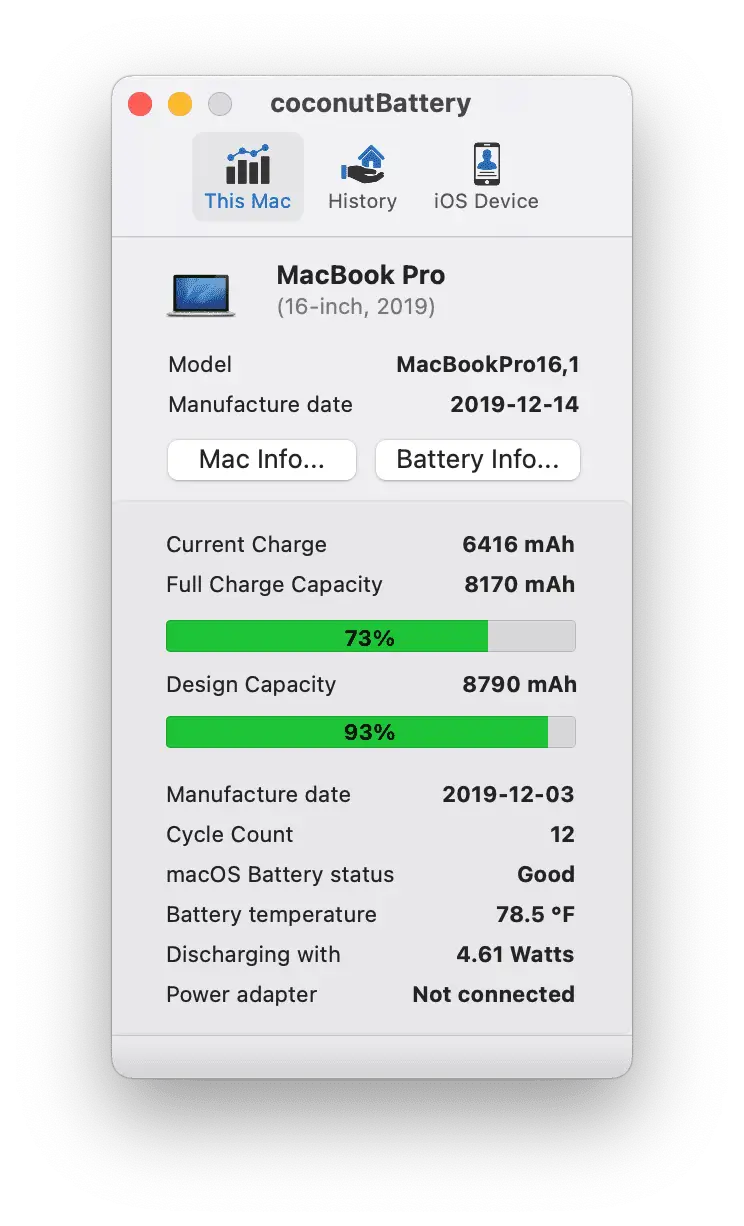
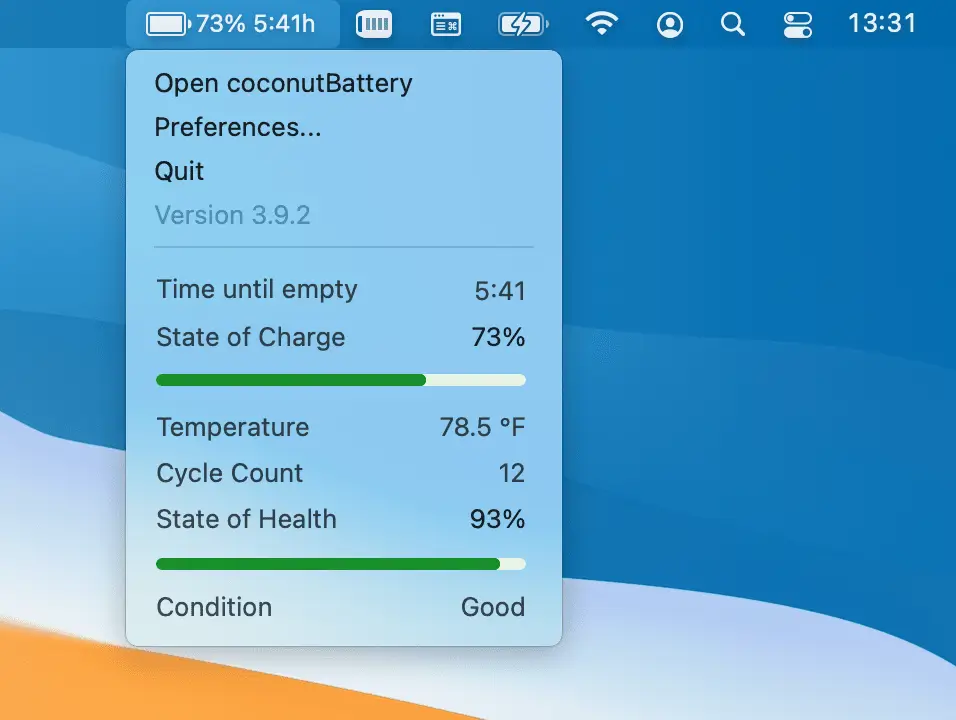
CoconutBattery is a powerful and user-friendly utility that provides detailed information about the health and performance of your Mac's battery. It offers a wide range of features that allow you to monitor and optimize your battery's performance, making it an essential tool for any Mac user.
CoconutBattery is designed with a simple and intuitive interface that makes it easy for anyone to use. It provides details such as battery information, Health status, battery usage history, battery temperature and notifies you when your battery is low or full.
WiFi support
Once you’ve enabled Wi-Fi communication between your Mac and iPhone/iPad, you no longer need a USB connection to check your device’s health through coconutBattery.
Battery Lifetime Analyzer
The Lifetime Analyzer provides detailed lifetime information, including maximum, minimum, and average temperature, voltage, charge/discharge rate ranges, and battery operating time.
Advanced details
The advanced viewer provides detailed insights about your Mac, iPhone, and iPad.
For Mac, it displays comprehensive information about your internal SSD, including data read and write statistics.
The available information varies by device. Try the free trial to discover what details are accessible for your devices.
Custom printing templates
You can use your own customized HTML templates for printing Mac and iOS device reports.
FAQ
Is coconutBattery Plus a subscription or a one-time purchase?
All available version of coconutBattery Plus are one-time purchases.
Is there a free trial available?
Yes, there is a free trial which can be activated in the app settings. It allows you to start coconutBattery 10 times in Plus-Mode
I cannot find cocoutBattery in any App Store
coconutBattery is only available via https://www.coconut-flavour.com
What can I do to preserve my battery health?
Avoid heat, high temperatures affect the health of the battery.
Avoid fast charging if not necessary, excessive use of fast charging will stress the battery.
Enable Apple’s "Optimized Battery Charging" feature, which helps keep the battery at a healthier charge level for longer.
Why is the manufacture date for my device is not displayed?
Apple switched to a randomized serial number format a few years ago, which prevents reading the manufacturing date for these devices. However, the manufacturing date can still be read for older devices.
Additional Information

License
Free

Version
4.1.0

Update
Sep 12, 2025

Size
5.5 MB

Requires
Windows 7, 8, 10, 11 PC

Developer

Downloads
1236