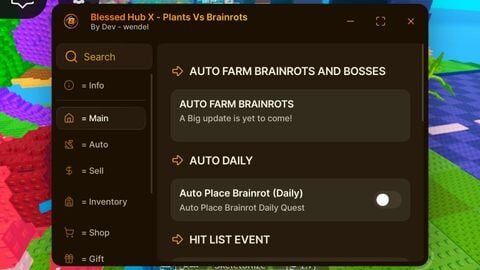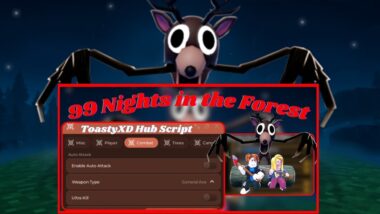

Redz Hub Script is a simple tool for Roblox that adds helpful features like auto-farm, teleport, speed tweaks, and special game cheats. It shows a clear on-screen menu (GUI) so you can turn options on and off, works on PC and mobile, and is usually keyless so you can start quickly. It also has auto-updates and basic anti-detection measures to keep working after game changes.
Redz Hub Script Code | Updated 2025
local Settings = {
    JoinTeam = "Pirates"; -- Pirates / Marines
    Translator = true;   -- true / false
}

loadstring(game:HttpGet("https://raw.githubusercontent.com/tlredz/Scripts/refs/heads/main/main.luau"))(Settings)
How to Run Redz Hub Script
- Install any compatible executor.
- Open the Roblox game where you intend to execute scripts.
- Take the script provided above, run it through your executor’s console, and keep a saved copy on your device so you’re covered if the original link ever gets updated or removed.
What Users Get
- Auto Join Team
- Translator
- Auto-Form / Auto-Collect
- Teleportation
- Combat Helpers (Auto-Boss / Fast Attack / God Mode / Freeze)
- ESP (See-Through / Markers)
- Movement tweaks (Walk Speed / Jump Power / Speed Hack)
- FPS Boost / Performance tweaks
- Universal GUI (menu)
- Game-specific modules
- Keyless / Easy access
- Auto-updates & Anti-detection attempts
Red z Hub Script Compatible with: [Tested]
That script is compatible with most executors capable of running Roblox scripts, some of compatible executors we've tested are listed below;
Our Result
If you’re new to using Roblox scripts, Redz Hub is a good starting point because it’s keyless, simple to use, and works on many popular games. Just remember, like all scripts, it may still have risks, so always use a trusted executor and avoid downloading from unsafe websites. If you want a script that saves you time, gives you access to special game features, and keeps updating when Roblox changes, then Redz Hub Script can be a solid option to try.